
Policy Manager: administer your policy library, connected to the rules behind it
Most teams keep policies in one system and the regulations that justify them in someone's head. Policy Manager brings them together — every policy linked to its governing obligations, owners, and review dates.
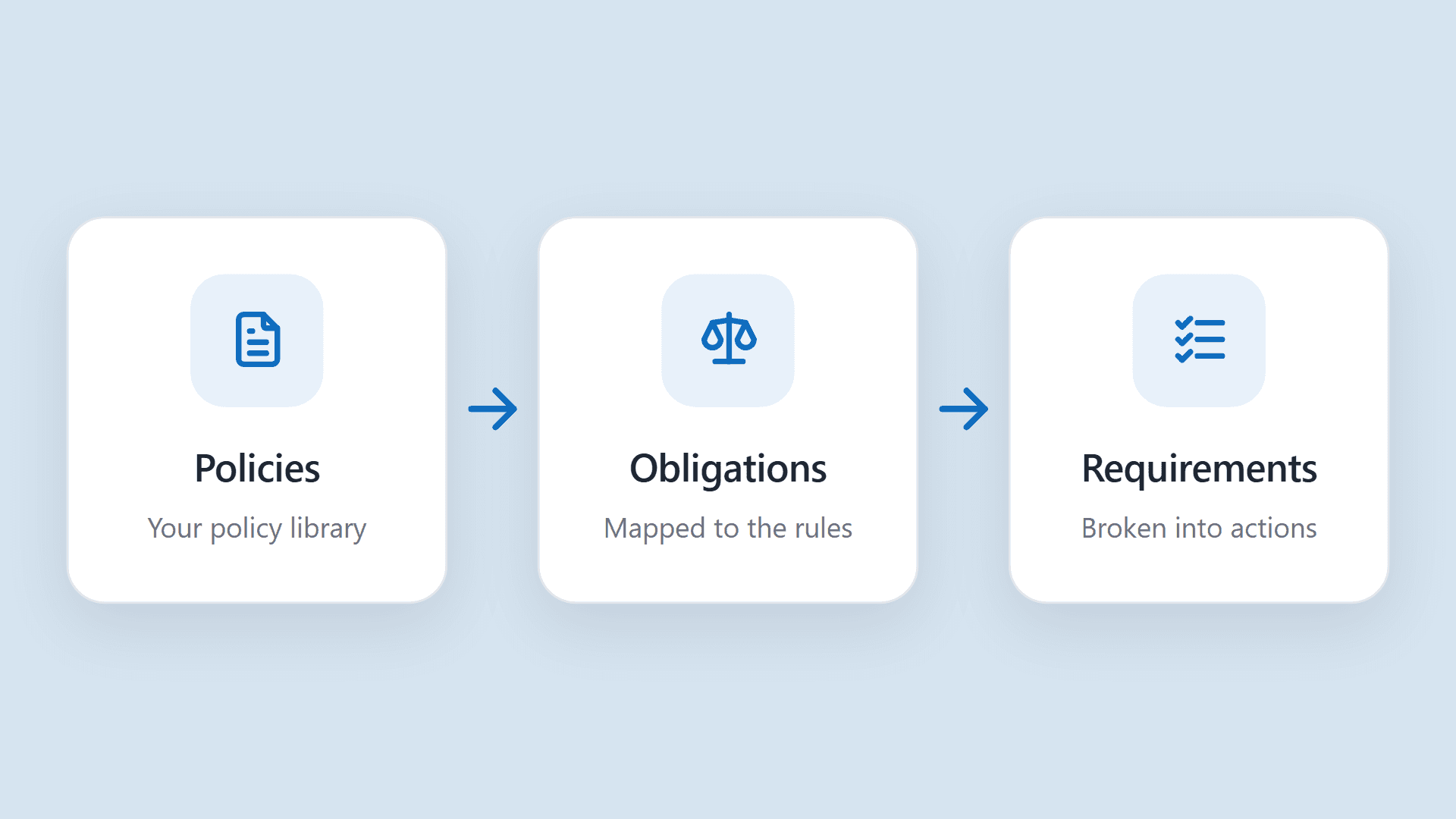
Most policy management platforms are a chore to use. You're required to have one — you need to track versions, route approvals, and keep an audit trail — but it sits off to the side as yet another system to feed, disconnected from the process of actually making sure you have the right policies in the first place. Responsiv now offers those same capabilities, built into a platform that keeps your policies up to date with the rules behind them.
The gap nobody sees until an exam
A policy document, on its own, is just an assertion. It says what you do. It doesn't say why you're required to do it, whether the requirement still reads that way, or who's accountable when it drifts. That connective information usually isn't written down — until an examiner asks for it, and the scramble begins.
What's included
Run down the checklist of what a policy management system is supposed to do, and Policy Manager has it. These are the table stakes — the baseline any serious system should clear:
1. Approval workflows
Configure default approvers for each policy group and choose whether any or all of them must sign off, then mark a workflow as enforced or overridable. At upload, override those defaults with custom approvers for a single document. Approvers can approve, request changes, or reject with a reason and comments, and an approvals panel tracks where each one stands — pending, approved, or changes requested — with timestamps. Lifecycle guards block invalid stage transitions and unauthorized approvers.
2. Versions and version history
Semantic versioning runs from v0 drafts to v1.0 and beyond, with a major or minor bump on each new upload. Every version captures a change rationale and a renewal date, and the history panel lists them newest-first — who created each one and when, with a download for any prior published copy. Versions are grouped so the latest is always the one served.
3. Publishing and lifecycle
A single upload flow handles the file, the version bump, the change rationale, the renewal date (6 months to 3 years, or custom), and approver configuration. With no approvers a policy publishes immediately; with approvers it moves into Awaiting Approval. Each policy travels a clear lifecycle: Draft → Awaiting Approval → Changes Requested → Published.
4. Metadata and renewals
Editable properties cover name, description, title, department, region, owner, teams, business units, and custom fields. Renewal dates use preset or custom intervals and surface in both the policy details and version views, so nothing quietly lapses.
5. Obligations scanning and mapping
Generate Obligations scans a policy's text to surface the regulatory obligations it addresses, with job status as it runs. Link existing obligations, spin up new drafts, and accept, dismiss, or review each — with a duplicate check deciding whether a suggestion is new, a link, or a no-op. This is Policy Scanner working inside Policy Manager.
6. Grid views and filtering
Pre-built views cover All Policies, Published, Awaiting Approval, Renewals within 30 days, Past renewal date, and Policies to be Approved (your own pending sign-offs). Columns are sortable and filterable, with a dense layout, pinned Name and Actions columns, pagination, and custom-field columns.
All of that is table stakes. It's what you'd expect from any capable policy system, and it's not the reason to run yours in Responsiv. The reason is what comes next.
The payoff: change that propagates
The real value shows up when a regulation changes. Because policies are linked to the obligations behind them, a rule change doesn't just sit in a regulatory feed somewhere — it surfaces every policy it touches, points to the owners responsible, and turns "something changed" into a specific, assignable piece of work.
A record you can hand to an examiner
Every action in Policy Manager is captured as it happens, so the audit trail builds itself while people do their normal work. For any policy you can pull up the full version history, the change rationale attached to each version, who approved it and when, and the comments approvers left when they signed off or asked for changes. The timestamps come from the system rather than from someone's recollection of how it went.
When an examiner asks how a policy came to say what it says, that record is the answer. You can show the version in force today, the versions before it, the reason behind each change, and the person accountable at every step — without a document hunt or a timeline stitched together after the request comes in. For most teams, producing that history is the hardest part of an exam; here it's just a matter of opening the policy.
How it fits with the rest of Responsiv
Policy Manager is one piece of a connected loop. Use Policy Scanner to identify the rules that drive a policy, manage that policy and its obligations in Policy Manager, and let your LRR register keep the whole mapping current as the regulatory landscape moves. Policies stop being static documents and become a living part of how you stay compliant.